3D Packaging Mockup Generator
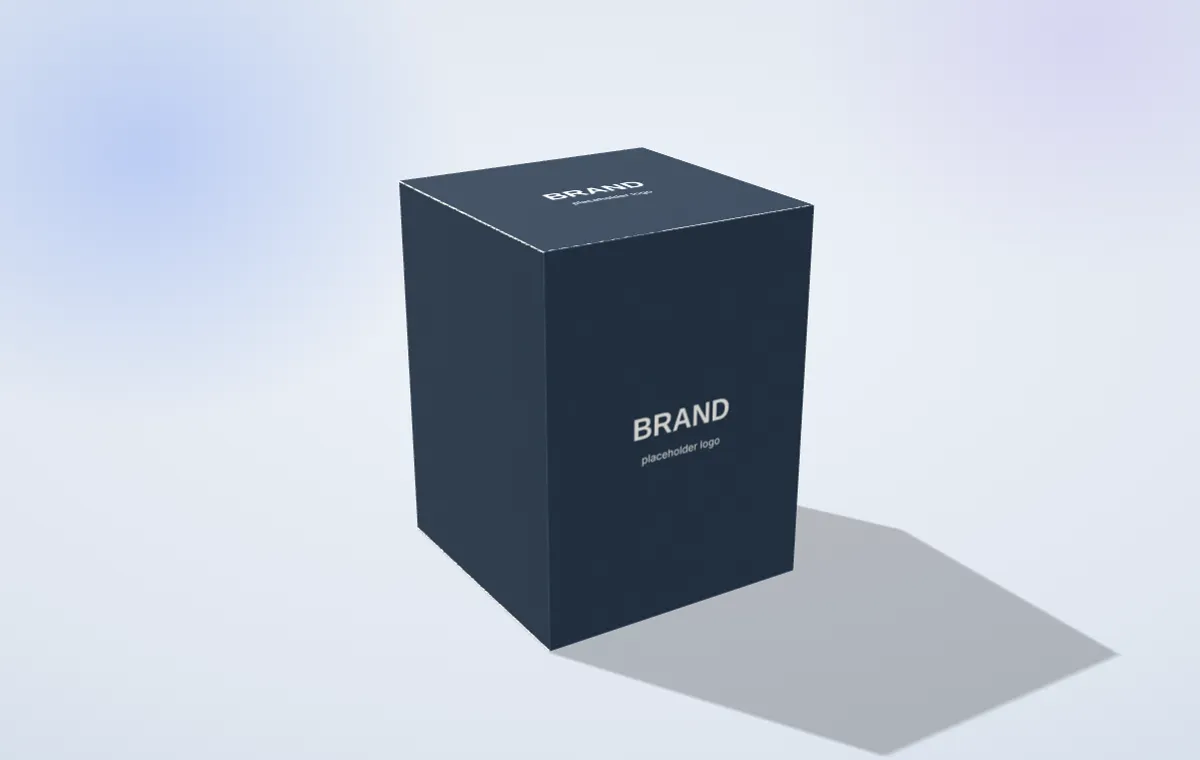
Straight Tuck End Box · 3 × 3 × 4 in · folded from our print dieline
What is a packaging mockup?
A packaging mockup is a preview of the finished pack: your artwork on the folded box, seen from every side before anything is printed. This 3D packaging mockup generator builds the box from Packaging Dock's own print dieline at your exact size and board, so every panel, flap and fold sits where it will on the press sheet.
Packaging Dock makes custom printed boxes, bags, pouches, sleeves and labels from 500 units, with 7-day production after proof approval, shipped across the USA and worldwide. The mockup generator, like our dieline generator, is free to use.
How to make a packaging mockup
Set the box size and board, add artwork to each panel, then turn and fold the box to check it. It takes a few minutes and needs no software or account.
- 1
Pick the box and size.
Choose a structure, then a standard size from our quote form or your own inside length, width and height.
- 2
Choose board and finish.
Pick the board and a matte, gloss or soft-touch finish. Board thickness changes the fold, as it does on press.
- 3
Add artwork to each panel.
Upload PNG, JPG, SVG or WEBP up to 10 MB per panel, then scale, rotate and position it, inside or out.
- 4
Turn, fold and check.
Drag to turn the pack, open the lid, or unfold it flat to see where every panel, flap and seam sits.
- 5
Download, save or quote.
Download images, a PDF sheet, a 360° video, a 3D model or the dieline. Save for 30 days or get a quote.
Mockup from a real dieline vs AI images and PSD templates
AI mockup tools generate a picture of a box, and PSD templates paste art onto a fixed photo. This generator folds the actual print dieline, so the size, flap lengths and board thickness are the ones you would order.
| This generator | AI image mockups | PSD mockup templates | |
|---|---|---|---|
| Built from | The print dieline at your size | A generated picture | A fixed photo or 3D scene |
| Custom size | Any size, 0.75–24 in per side | Not measured | Fixed by the template |
| Board thickness | Shown and used in the fold | No | No |
| Inside print and flat view | Yes, fold and unfold | No | Usually outside only |
| Matching print file | Free dieline (PDF, SVG, DXF) | No | No |
| Downloads | PNG, JPG, PDF sheet, 360° video, GLB model | Image | Image |
| Needs software | No, runs in the browser | No | Photoshop or similar |
Which packaging can I mock up?
These are the most-used base structures in custom packaging: tuck, mailer, rigid and gable boxes, pillow boxes, sleeves, paper bags and mylar bags. Each one can be built in hundreds of variations of size, board, finish, print and add-ons, so starting from the right structure covers most projects. Each folds or assembles the way it does in real life, from the same dieline you download.
Use it as a free box mockup generator for tuck box, mailer box, gift box, product box and cosmetic box mockups, or as a bag and pouch mockup tool for paper bag, shopping bag, stand up pouch and mylar bag mockups. Design your own box or bag, check it in 3D, then order the same structure from us.
Tuck Boxes
-
 Straight Tuck End
How it closesTop and bottom tucks both hinge from the back panel.
Best forWindow cartons and full-front designs.
-
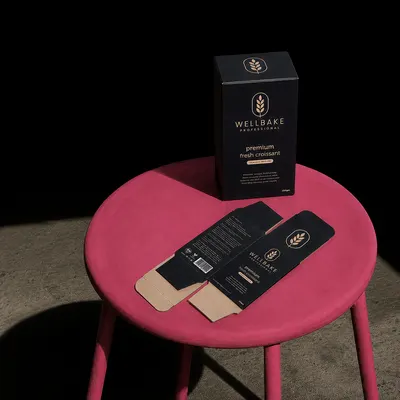 Reverse Tuck
How it closesTop tuck hinges from the back, bottom tuck from the front.
Best forHigh-volume cartons where board cost matters.
-
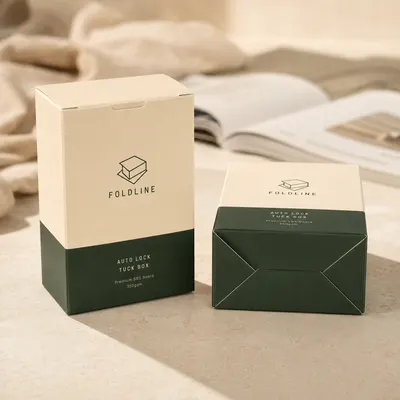 Auto Lock
How it closesPre-glued crash-lock base that pops into shape, tuck top.
Best forPacking lines and heavier fills.
-
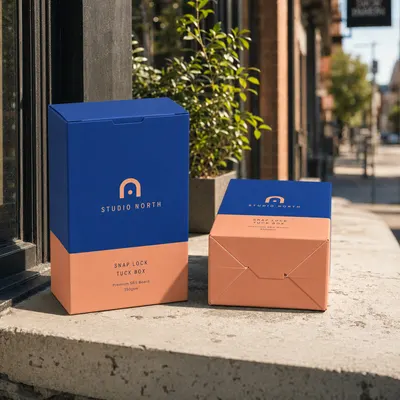 Snap Lock
How it closesHand-folded 1-2-3 locking base with no glue, tuck top.
Best forHand packing and smaller runs.
-
 Seal End
How it closesPeel-and-seal flaps close both ends of the carton.
Best forDry goods and retail; opening shows.
Not sure which tuck box fits your product? Compare them in the tuck boxes guide →
Mailer Boxes
-
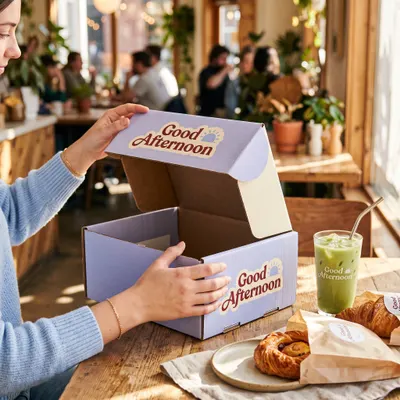 Roll End Tuck Front
How it closesSide walls roll into the base; lid tucks inside the front.
Best forE-commerce, kits and promotional packs.
-
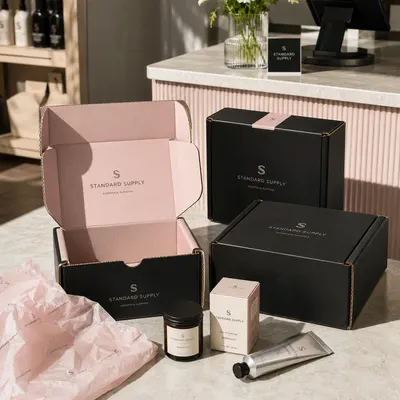 Roll End Tuck Top
How it closesFront and side walls roll over; lid tuck slides between them.
Best forE-commerce, apparel and beauty mailers.
-
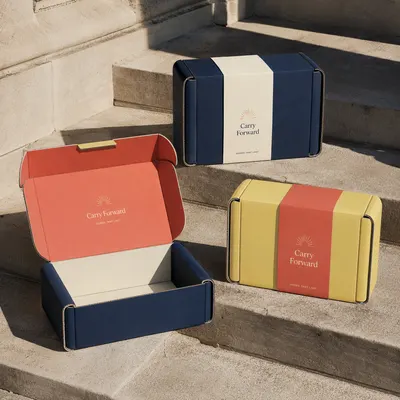 Roll End Box with Lid
How it closesRoll-end tray with a separate lid that slides over it.
Best forOpenings where the whole lid lifts off.
-
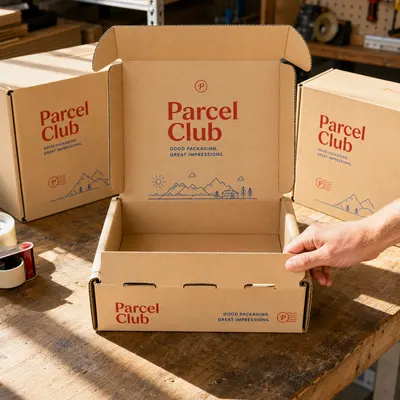 Roll End 3 Flap Lock
How it closesLid with three flaps that tuck inside the walls.
Best forMailers that lock shut without tape.
Not sure which mailer box fits your product? Compare them in the mailer boxes guide →
Rigid Boxes
-
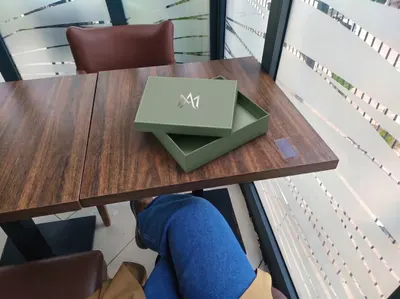 Two Piece Rigid
How it closesWrapped base with a separate wrapped lid that lifts off.
Best forPresentation sets with an insert-ready base.
-
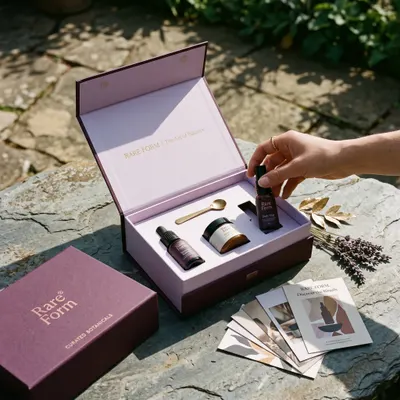 Flip Top Rigid
How it closesOne cover wraps base and lid; the front flap closes on magnets.
Best forReveals that use the inside of the lid.
-
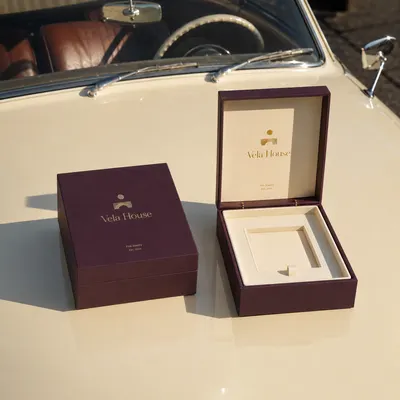 Hinged Rigid
How it closesBody and cover trays joined by a spring hinge at the back.
Best forJewelry and small insert-centred items.
-
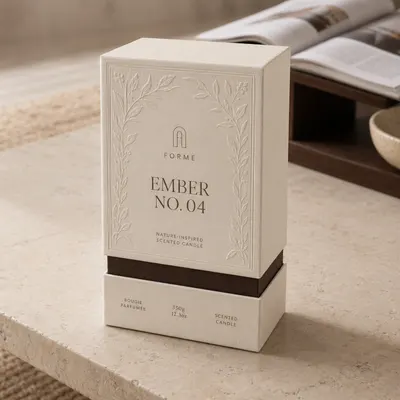 Shoulder Neck
How it closesLid rests on a neck collar that shows between lid and base.
Best forFragrance, jewelry and layered gift reveals.
-
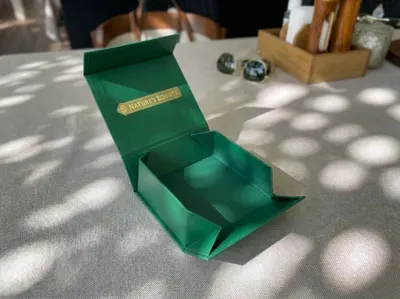 Collapsible Rigid
How it closesShips flat; walls rise and lock, front flap closes on magnets.
Best forRigid unboxing with low storage volume.
-
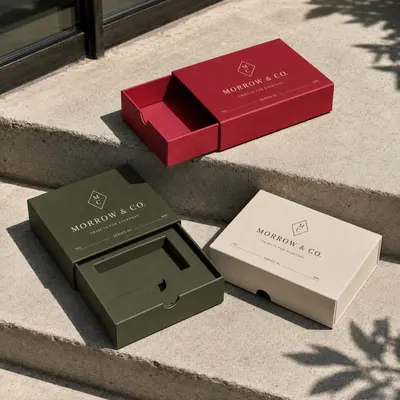 Drawer Box
How it closesWrapped tray slides out of a sleeve open at both ends.
Best forSliding reveals with an organised tray.
Not sure which rigid box fits your product? Compare them in the rigid boxes guide →
Gable Boxes
-
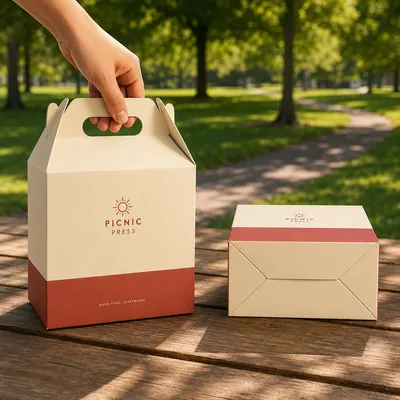 Auto Lock Gable
How it closesRoof panels form a carry handle over a pre-glued crash-lock base.
Best forCarry-out food, bakery and gift sets.
-
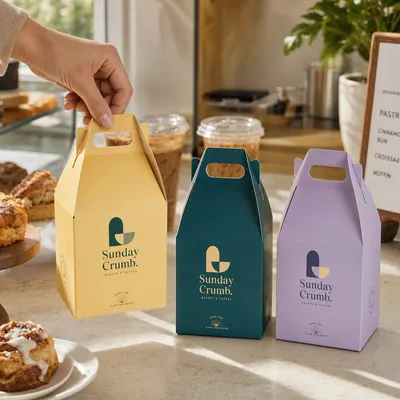 Interlock Gable
How it closesSame gable top and handle over a hand-folded 1-2-3 base.
Best forHand assembly and smaller runs.
-
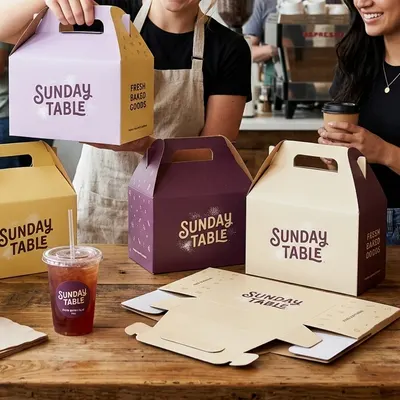 Seal End Gable
How it closesSame gable top and handle over a peel-and-seal base.
Best forA sealed base without glue equipment.
Not sure which gable box fits your product? Compare them in the gable boxes guide →
Pillow Boxes
-
 Pillow Box
How it closesCurved end flaps fold in on curved creases; one glue seam.
Best forLight items such as jewelry and favors.
Sleeves
-
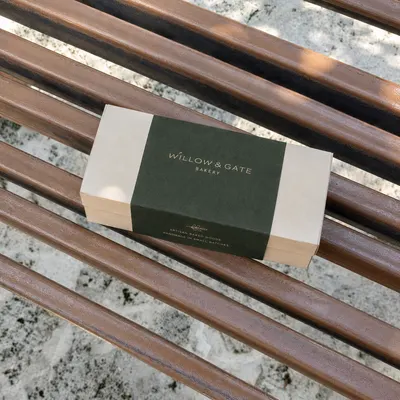 Box Sleeve
How it closesFour-panel wrap glued into a tube that slides over a box.
Best forA full printed layer over any box.
-
 Belly Band
How it closesNarrow band creased at the box corners and glued at the flap.
Best forSoap and small boxes, box still visible.
-
 Cup Sleeve
How it closesCurved blank glued into a cone that slides onto the cup.
Best forGrip and branding where a cup is held.
-
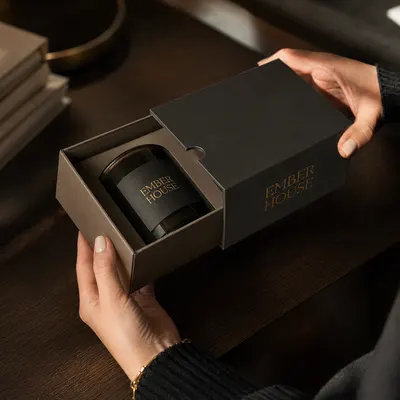 Slipcase
How it closesAssembled sleeve open at both ends; the box slides in and out.
Best forTwo-stage reveals over gift boxes.
Not sure which sleeve fits your product? Compare them in the sleeves guide →
Paper Bags
-
 Flat Paper Bag
How it closesFront and back panels with a glued side seam and bottom flap.
Best forFlat, light items with no gusset needed.
-
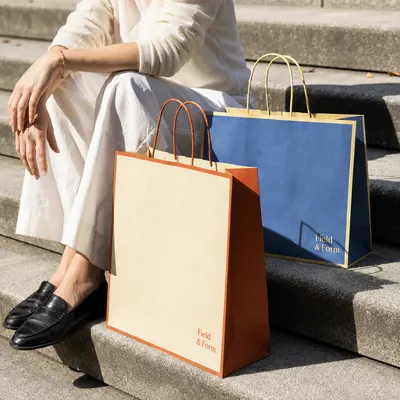 Paper Tote Bag
How it closesGusseted bag with a block base and rope handles in the top.
Best forBoxed, folded or multi-item purchases.
Not sure which paper bag fits your product? Compare them in the paper bags guide →
Mylar Bags
-
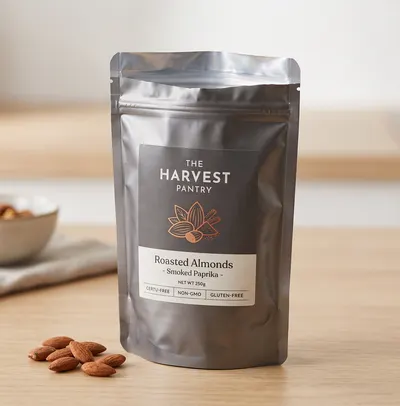 Stand Up Pouch
How it closesSealed side edges and a bottom gusset that opens to stand.
Best forProducts sold standing on a shelf.
-
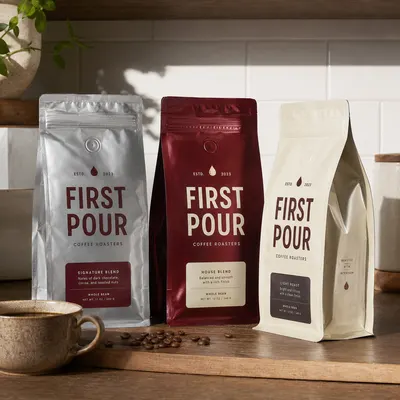 Flat Bottom Bag
How it closesBox-shaped pouch with side gussets and a flat rectangular base.
Best forShelf presence with five printable panels.
-
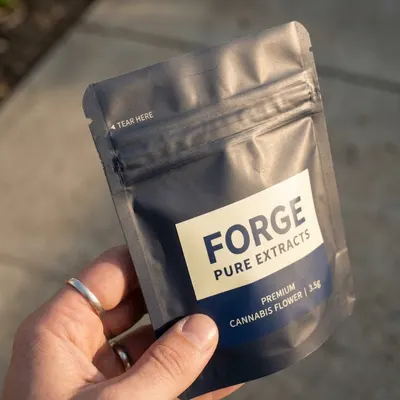 3 Side Seal Pouch
How it closesTwo flat webs sealed on three sides, filled from the top.
Best forSamples, sachets and compact products.
-
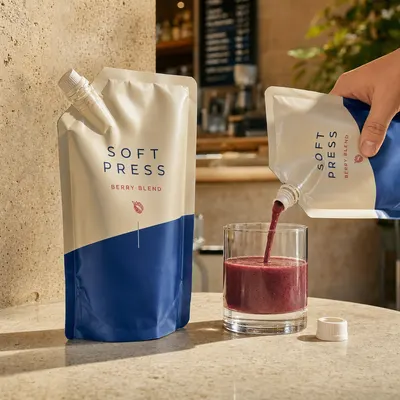 Spout Pouch
How it closesStand up pouch with a spout and cap welded into the seal.
Best forPouring and dispensing liquids and gels.
-
 Back Seal Bag
How it closesOne web folded to a centre fin seal on the back.
Best forA clean, uninterrupted front panel.
Not sure which mylar bag fits your product? Compare them in the mylar bags guide →
What you can set in the mockup
Every structure uses the sizes, boards, finishes and print sides we manufacture, so the mockup matches what can be ordered.
- SizesStandard sizes from each product's quote form, or any custom size from 0.75 to 24 in per side.
- BoardsThe boards each structure is made in: paperboard, corrugated, rigid board, kraft, paper or laminated film.
- FinishesMatte lamination, gloss lamination or soft-touch film, shown across every panel of the folded pack.
- PrintArtwork on the outside and inside of every panel, or one flat print file for the whole sheet.
Design your own packaging, then print it
When the mockup looks right, download the dieline at the same size from the Download menu (or the dieline generator) to finish your print file, or request a quote for the same box. Quotes typically come back within 24 hours.
- Save for laterA private link reopens the design for 30 days.
- DownloadPNG or JPG images, a PDF mockup sheet, a 360° video, a GLB 3D model, and the dieline as PDF, SVG or DXF.
- OrderFrom 500 units, 7-day production after proof approval, free design support.
Is the packaging mockup generator free?
Yes. Making the mockup and every download are free, with no sign-up. An email is only needed if you want a link to continue the design later.
Which file formats can I download?
Mockup: PNG (transparent), JPG, a PDF mockup sheet with front, angle and top views, a 6-second 360° video (MP4 or WebM, depending on the browser) and a GLB 3D model. Dieline at the same size: PDF with spot-colour layers, SVG and DXF.
What is the difference between a packaging mockup and a dieline?
A dieline is the flat print file with cut, crease, bleed and safe-zone lines. A packaging mockup shows how that sheet looks once printed and folded. This generator folds our dieline, so the mockup and the print file match.
Is the 3D mockup accurate to the printed box?
The panels come from the same dieline our generator downloads, at your size and with the allowance for the board you pick, so panel proportions match the print file. Colours on screen are a preview; the printed proof confirms final colour.
Which packaging can I mock up?
Thirty structures today. Tuck boxes: Straight Tuck End, Reverse Tuck, Auto Lock, Snap Lock and Seal End. Mailer boxes: Roll End Tuck Front, Roll End Tuck Top, Roll End Box with Lid and Roll End 3 Flap Lock. Rigid boxes: Two Piece, Magnetic Flip Top, Hinged (ring box), Shoulder Neck, Collapsible and Drawer. Gable boxes: Auto Lock, Interlock and Seal End. Pillow box. Sleeves: Box Sleeve, Belly Band, Cup Sleeve and Slipcase. Paper bags: Flat and Tote. Mylar bags: Stand Up, Flat Bottom, 3 Side Seal, Spout and Back Seal. Any size from 0.75 to 24 inches per side, on the boards each box is made in.
Can I upload my own artwork?
Yes. Upload PNG, JPG, SVG or WEBP files up to 10 MB to any panel, outside or inside, then scale, rotate and move them. Files stay in your browser unless you choose to save the design.
Can I save my design and finish it later?
Yes. Enter your email and we send a private link that reopens the design fully editable, including size, board, colours and artwork. Saved designs are kept for 30 days, then deleted.
Do I need packaging design software?
No. The generator runs in the browser on desktop or mobile, with no install. For final print files, use the downloaded dieline in Illustrator, Affinity or Inkscape.
Can I order the box I designed?
Yes. Packaging Dock makes custom printed tuck, mailer, rigid, gable and pillow boxes, sleeves, paper bags and mylar bags from 500 units with 7-day production after proof approval, shipped across the USA and worldwide. Use "Get a quote for this box"; quotes typically come back within 24 hours.